


One card beside your cards.

Place Guardality in the same section as the 13.56 MHz cards you want covered.
13.56 MHz WALLET INSERT
Slide Guardality beside your 13.56 MHz contactless cards. It reacts to a nearby reader field while your wallet, routine, and cards stay the same.
RFID blocking that takes one card slot
Slide Guardality beside your 13.56 MHz contactless cards. It reacts to a nearby reader field while your wallet, routine, and cards stay the same.
Credit-card format
Battery-free design
13.56 MHz scope
Couldn't load pickup availability


The simple version
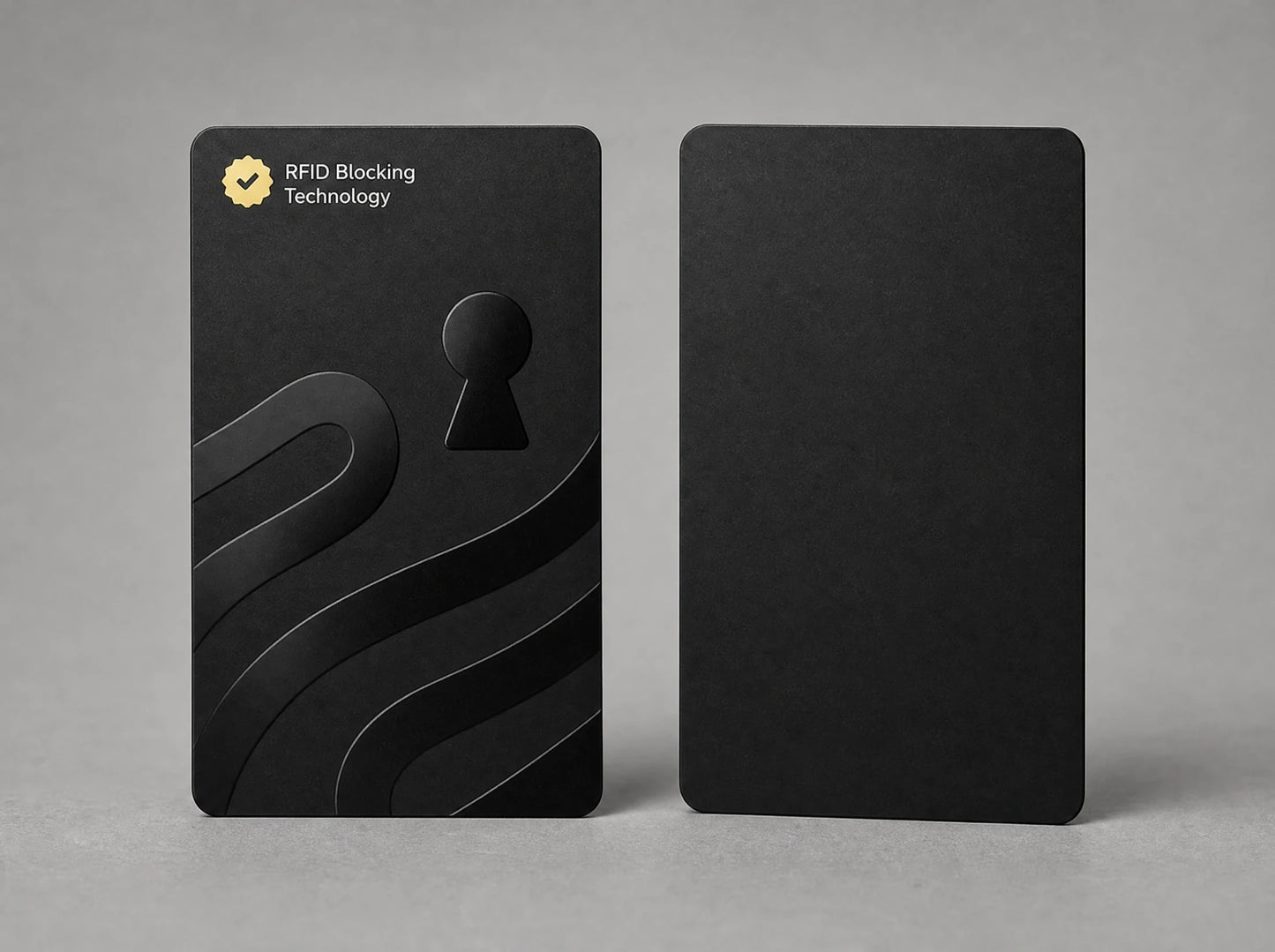
One insert sits beside the cards you want covered. When it encounters a compatible reader field, it is designed to interfere with the contactless conversation around it.
Guardality is the format of a bank card and the seller states a 1.1 mm thickness. Put it beside the contactless cards instead of moving every card into a separate sleeve.
The seller describes a circuit that uses energy from a nearby 13.56 MHz reader to produce interference around compatible cards in the same wallet.
There is no battery, app, pairing step or power button. Placement is the setup; removing the payment card from the protected stack is how you tap.
Before you order
Place Guardality in the same section as the 13.56 MHz cards you want covered.

No special lining, metal case or individual sleeve is required.

Separate the payment card from Guardality, use it, then return it to the protected stack.

A nearby reader field is what the seller says activates the interference.

Use them together in a divided wallet or separately, based on the compartments you carry.

Run a read–block–read check after delivery; wide or divided wallets may need a different position.
Why choose it

The insert stays in the wallet. There is no sleeve to open for every payment and no device to remember to charge.

The stated scope is 13.56 MHz contactless communication, not a vague promise to block every radio technology.

Put it next to the cards you want covered. Cards in a distant compartment may need another position or a second blocker.

A contactless card should read alone, fail beside Guardality, then read normally again after the two are separated.

This is for nearby compatible-card reads. Online fraud, altered terminals and stolen card details require different controls.
You like the wallet you already carry.
You want one narrow contactless layer, not a security gadget.
Guardality takes one card slot beside the cards in scope.
Pull one payment card away to tap, then put it back.
Straight comparison
All three formats can be useful. The difference is how much of your current routine they ask you to change.
| Critério | Guardality card | Individual sleeve | RFID-lined wallet |
|---|---|---|---|
| What changes | Add one card to your wallet | Move each card into its own sleeve | Replace the wallet |
| Daily payment | Pull out the payment card and tap | Pull the card out of its sleeve | Pull the card out of the lined section |
| Published scope | 13.56 MHz; 5 cm seller-stated | Varies by material and seller | Varies by lining and construction |
| Cards in separate sections | May need repositioning or another card | Add a sleeve to each card | Depends on which sections are lined |
| Battery or app | None | None | None |
| Online fraud or ATM overlays | Not covered | Not covered | Not covered |
Swipe the table to see every column →
Guardality figures are seller-stated until the real lot passes the physical read–block–read gate. Sleeve and wallet performance depends on the specific product and frequency.

Plain scope
Guardality is designed for nearby reads of compatible 13.56 MHz contactless cards placed within its real coverage zone. The seller states a 5 cm zone around one card, but wide wallets, divided compartments and the orientation of the cards can change placement. Test the wallet and cards you actually carry after delivery.
It does not stop online or card-not-present fraud, merchant data breaches, phone scams, wallet theft, magnetic-stripe copying, a physical overlay attached to an ATM or checkout terminal, or radio systems outside the stated band. Keep transaction alerts and card-lock controls turned on.
Specs
One narrow job
Guardality is not a replacement for transaction alerts or card locks. It is one card-sized layer for nearby 13.56 MHz reads — placed where the cards in scope actually sit.
13.56 MHz
The contactless band stated by the seller
1.1 mm
Seller-stated thickness, close to a normal card slot
5 cm
Seller-stated coverage zone; confirm it with your own wallet
Before you buy
Place it in the same wallet section as the contactless cards you want covered. The seller states a 5 cm zone, but cards in separate or distant compartments may need a different position or another blocker. Test the final layout rather than relying on the wallet’s outside dimensions.
Two Guardality cards for $39.98, or $19.99 each. Larger sets reduce the per-card price: four for $71.96, seven for $111.93, and ten for $139.90. Standard US shipping is free.
Take the payment card away from Guardality and the protected stack, tap it normally, then put it back. If you tap the whole wallet while the cards are within range, the blocker is designed to interfere with the read.
Use a contactless card and terminal you are authorized to use. Confirm the card reads alone, place it directly beside Guardality and try again, then separate them and confirm the card reads normally. That read–block–read sequence checks both the blocker and the payment card.
No. The seller describes a circuit powered by the electromagnetic field from a nearby 13.56 MHz reader. There is no charging, pairing, subscription or switch.
No. The stated scope is 13.56 MHz contactless cards placed inside the real coverage zone. Access badges, vehicle tags and other RFID systems can use different frequencies. Check the card system before relying on Guardality.
No. It cannot stop stolen card details being used online, a merchant breach, phishing, a phone scam or a physical overlay fitted to an ATM or payment terminal. Use transaction alerts, inspect terminals and lock the card promptly when something looks wrong.
GoDeals4U offers a one-year limited warranty from delivery. Approved defects are replaced with shipping covered. You may also request a return within 30 days of delivery; for a change-of-mind return, the customer pays return shipping. The published warranty and refund policies contain the complete terms.
1-year limited warranty · 30-day money-back guarantee
Put Guardality beside your contactless cards and run the read–block–read check. If it does not suit your wallet layout, request a return within 30 days of delivery. Approved defects are covered by the one-year limited warranty.
Free US shipping · secure checkout